

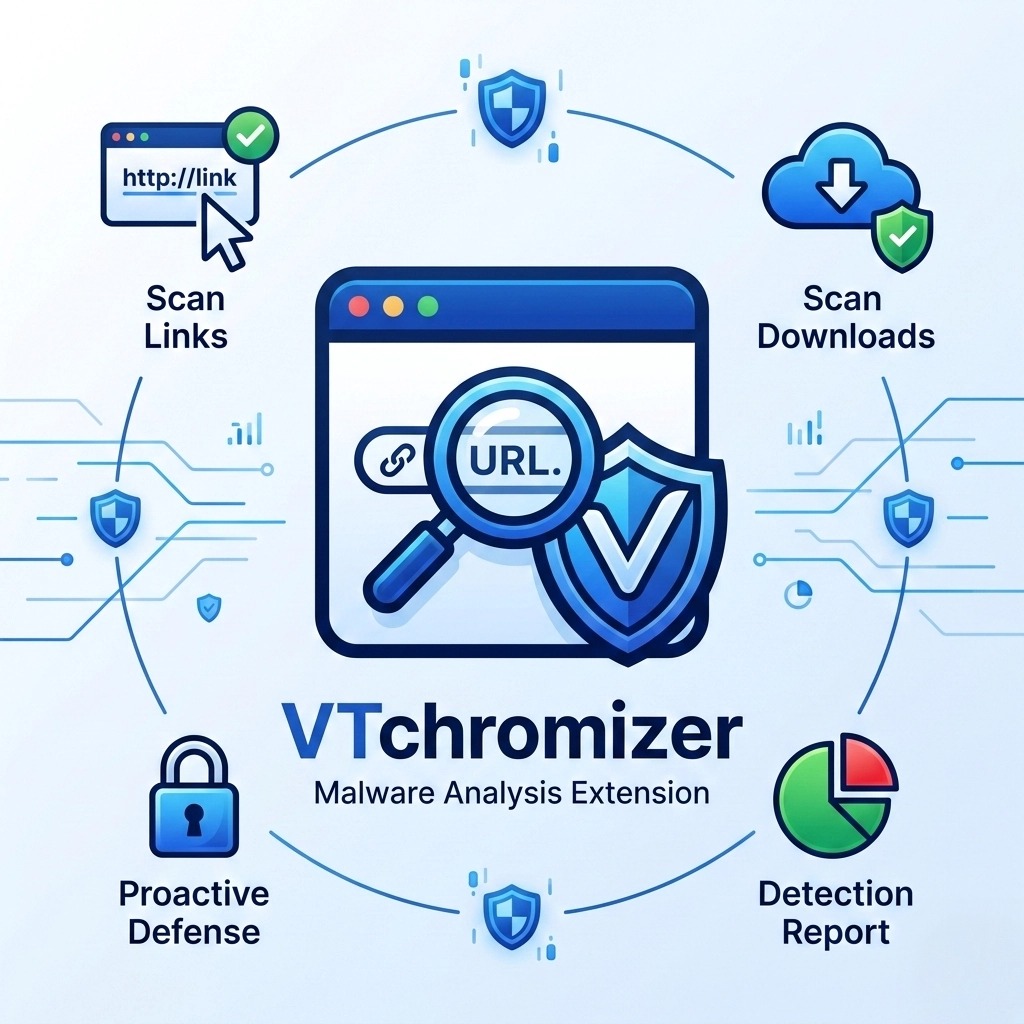
VTchromizer – Each time you click a new link or download a new file you are inviting a stranger to your digital home. Most of these strangers will just be annoying, but some will try to steal your personal information or vandalize your digital home. With so many links, it is hard to determine which ones are safe.
This is where VTchromizer is useful. With its unique features, you can look at the other side of the link before you open it or visit the webpage. With VTchromizer, you can access the Virus Total features directly from your browser, which helps build a digital shield when it comes to malware.
The Rising Threat of Malware
Even the name malware is a great way to take the steam out of the name and describes a serious problem there. Every day, the AV-TEST Institute records more than 450,000 new malware programs. That is almost half a million new malware programs every day. With programs that include ransom programs to lock your files and spyware the new programs can pose a very serious threat to your digital home.
The sophistication of delivery methods is growing. Cybercriminals pose malicious links embedded in emails, social media posts, and even advertisements on legitimate sites. Just one click can lead to a data breach or theft of your identity. Microsoft blocks 7,000 password attacks every second. The digital world is hostile. We can no longer take the approach of simply reacting. For example, we won’t simply clear a virus after it infects our systems. We need to ensure that threats do not reach our systems.
How VTChromizer Protects You
VTChromizer seamlessly integrates your browser with one of the websites that make up the Virus Total service, one of the most respected malware analysis services. Instead of manually copying a URL to analyze it, navigating to a different site, and pasting it, with VTChromizer, it is all done right from your page.
Its defense mechanism is also One-Click Scan, which lets you quickly scan links and files with 70+ antivirus and URL/domain block listing services. If a link is dangerous, VTchromizer will show you which security vendors flagged it and why. It helps crowdsource safety with a clear positive or negative verdict in a matter of seconds.
How to Use VTchromizer
Using VTchromizer is simple, and incorporating it into your browsing routine is easy.
1. Install the Extension
Go to the Chrome Web Store and search for “VTchromizer” (or “VT4Browsers” as the VirusTotal team calls it). Click the extension to Add to Chrome. It only requires a few permissions and will stay in your extension toolbar until you want to use it.
2. Scan a Suspicious Link
If you see a link that raises your suspicion, in your email, or in a social media comment, do NOT click it!
3. Select “Scan with VirusTotal”
When you right click the link, you will see an option that says Scan selected link with VirusTotal. Click this option.
4. Review the Report
After the VirusTotal report loads, check the detection ratio, such as 0/90. If the score is 0, that means that no security vendors flagged the URL as dangerous. If the report shows security flags or a high detection ratio, close the tab and do not click on it.
5. Scan Downloads
VTchromizer can also be set up to scan files before you download them. This creates an additional checkpoint to see if the PDF or exe you are trying to download is hiding a malware surprise.
Additional Security Tips
While VTchromizer is extremely useful, it should be combined with a comprehensive security strategy.
- Keep Software Updated: Software, especially your web browser and your operating system, should be up to date. Malware tends to exploit vulnerabilities, and these updates fix those vulnerabilities.
- Enable Multi-Factor Authentication (MFA): 90% of identity attacks are on the passwords, so MFA is the best protection. Even if a hacker has your password, they won’t be able to get into your account without your second factor.
- Be Skeptical: If a deal seems like a scam, it probably is. Phishing attacks often try to use urgency and fear to make you ignore your better judgment.
Take Control of Your Digital Safety
Automated digital threats are dangerous, and defending yourself against them is equally streamlined. With VTchromizer, you can seamlessly check the safety of the web while browsing. Instead of making expensive and dangerous clicks, you can make informed decisions. Scanning before you click is not just about avoiding malware, it is about taking control of your digital safety.